2025 was a big year at Anedot.
We shipped dozens of updates focused on speed, clarity, flexibility, and donor experience.
From self-service tools for supporters to smarter financial reporting and more powerful event features, every improvement was built to save you time and give you more control.
Here’s a complete look at everything new in Anedot in 2025.
Supporter self-service and donation updates
Supporters can update their info more easily than ever
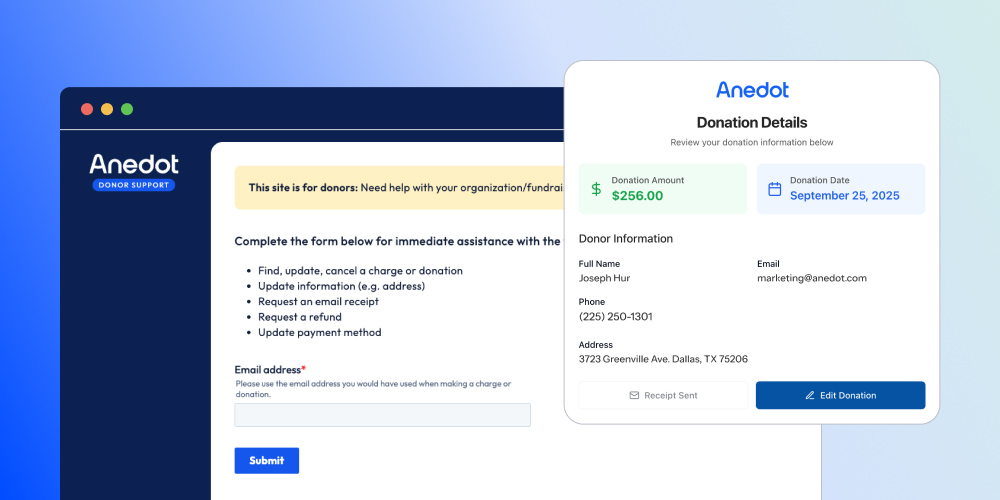
Supporters can now self-serve through DonorSupport.com to easily update their contact and commitment details.
Update donation details instantly, right from the Finance area
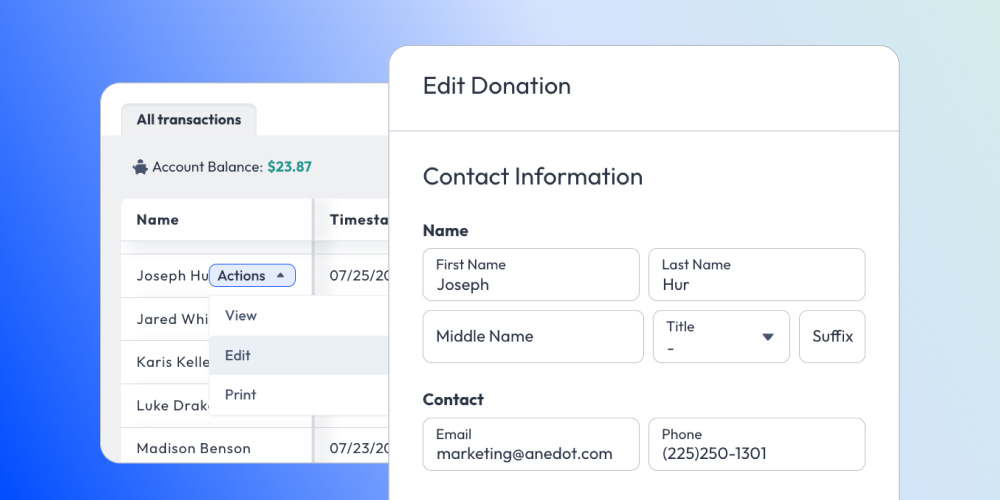
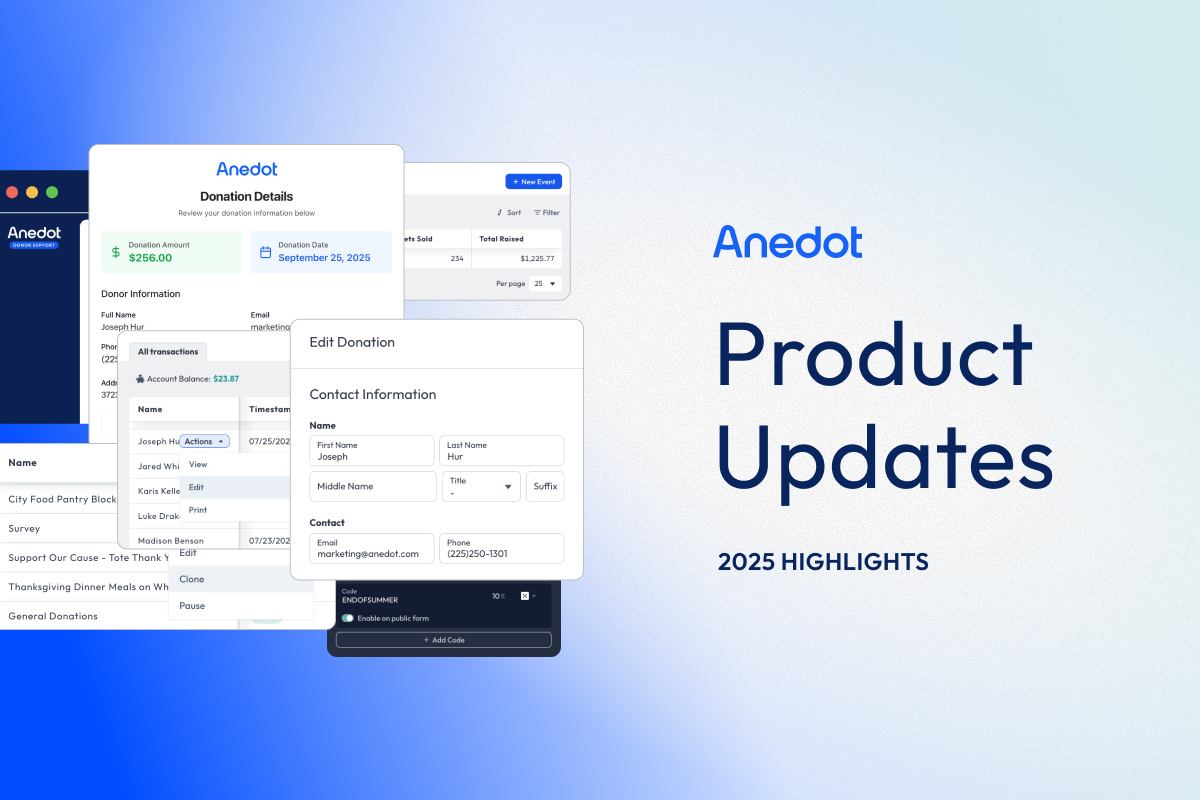
Individual transaction records can now be edited directly from the Transactions tab. Editable fields include Name, Phone, Billing Address, Mailing Address, Shipping Address, Occupation, and Employer.
Event reporting and ticket management
Get clearer event totals instantly
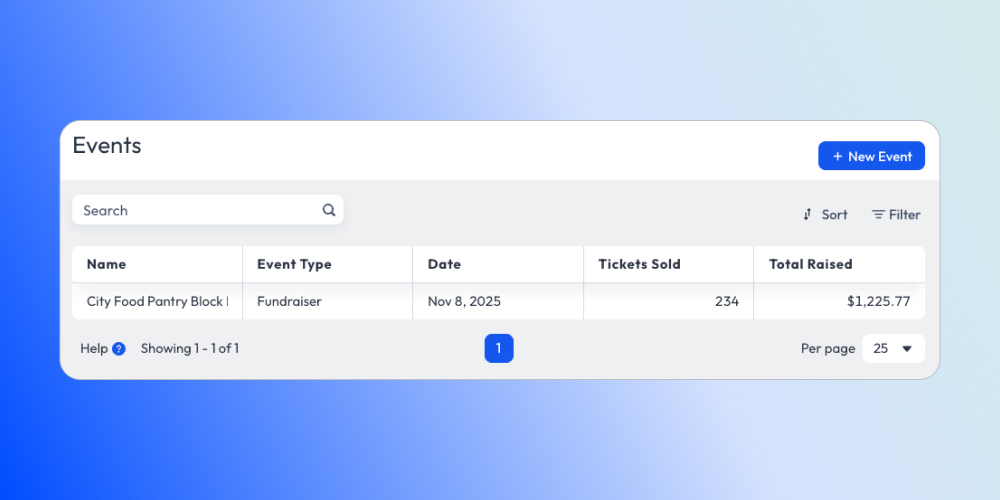
In the Events Summary, Tickets Sold now includes only Active tickets, and Total Raised reflects ticket prices, discounts, and Event Page donations.
Cleaner, smarter event ticket exports

The Attendees export now includes only Active tickets, excluding canceled ones by default. We’ve also removed the Price column and any unnecessary custom fields for a more focused, ready-to-use CSV.
Event ticket cancellation support
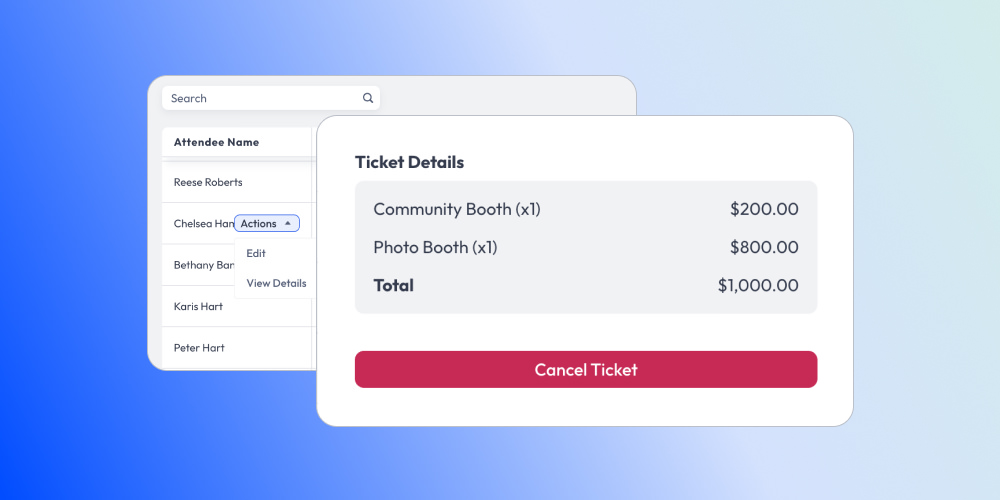
Tickets can now be canceled directly within the Events > Attendee Index. Once a ticket has been canceled, it cannot be reactivated, helping ensure accurate attendance counts and reporting.
Dynamic donation selector heading
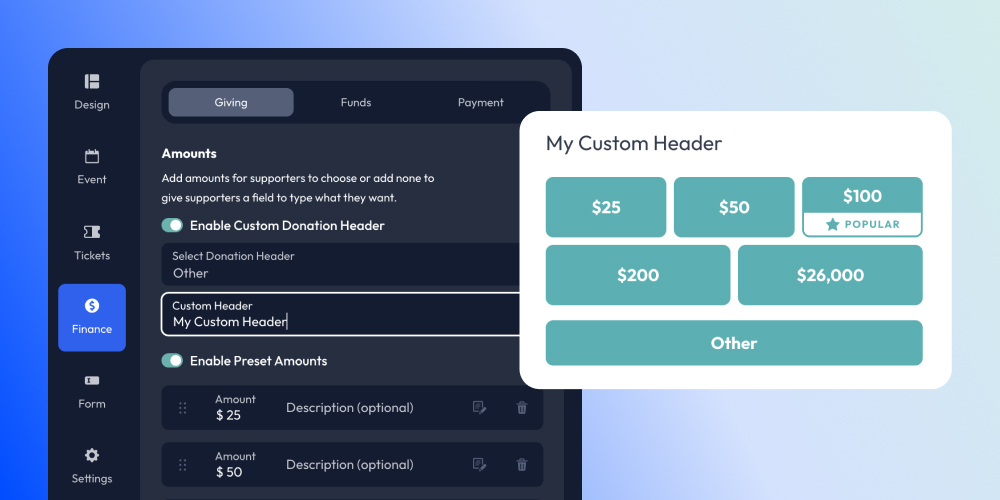
Multiple headers for general donations are now available on Event Pages: Choose Gift Amount, Choose Donation Amount, Choose Contribution Amount, or custom text.
Promo code improvements
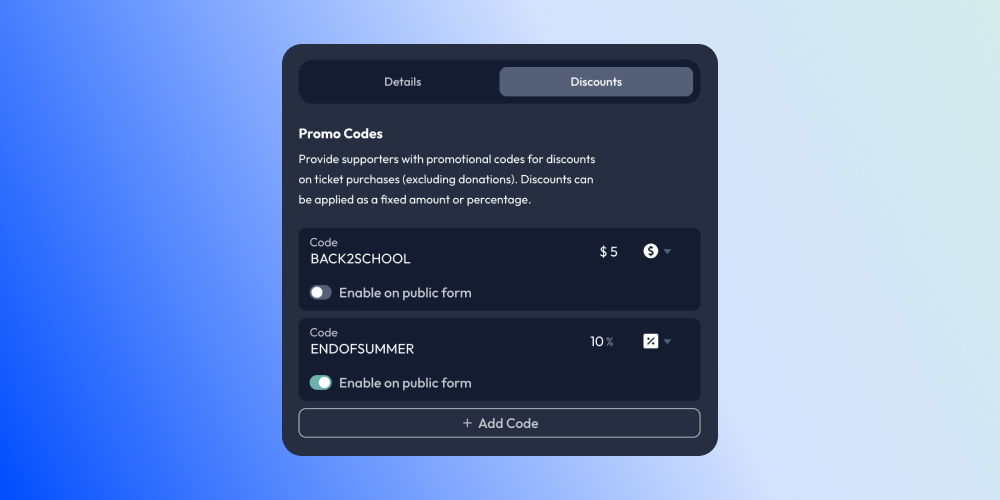
Promo codes can now be disabled, and the Promo Code, Discount, and Discount Type can be modified after creation.
More flexibility with sponsor names in Events
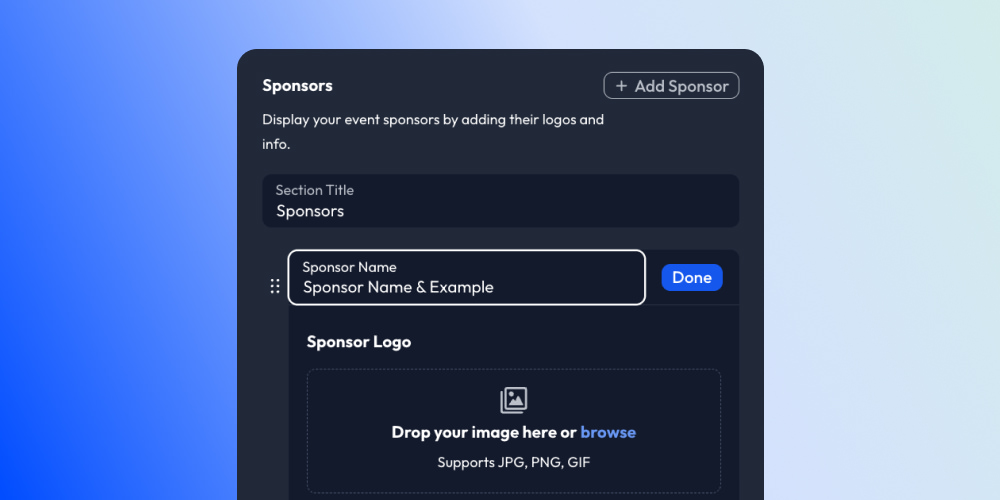
Sponsor names in Events are now optional and can include special characters like ampersands.
Required employment field fix in Events
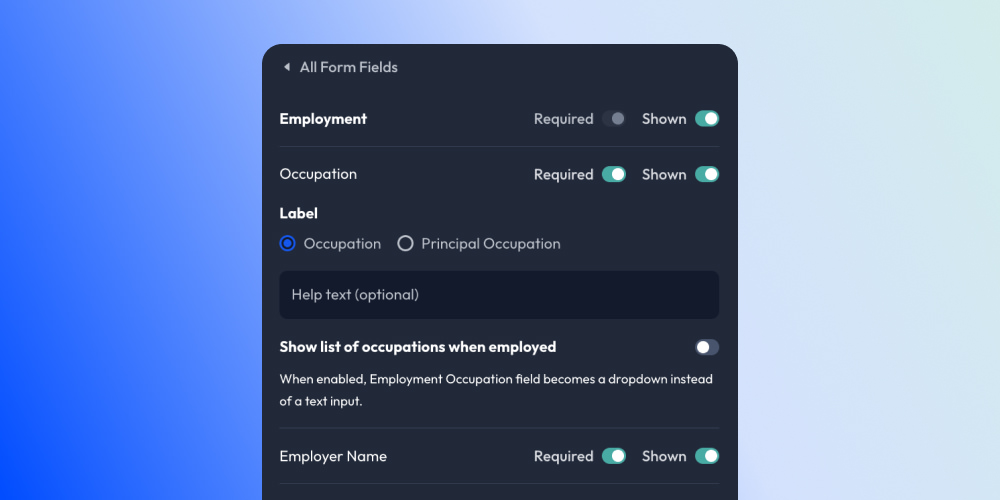
We fixed an issue where requiring child fields without the parent Employment question caused errors.
Event Page cloning
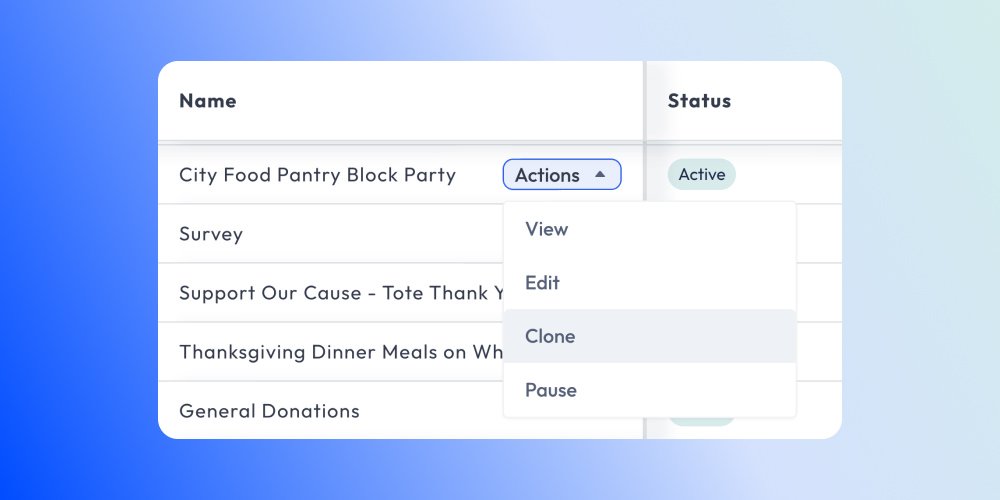
Easily duplicate existing Event Pages for faster setup.
Billing agreements support
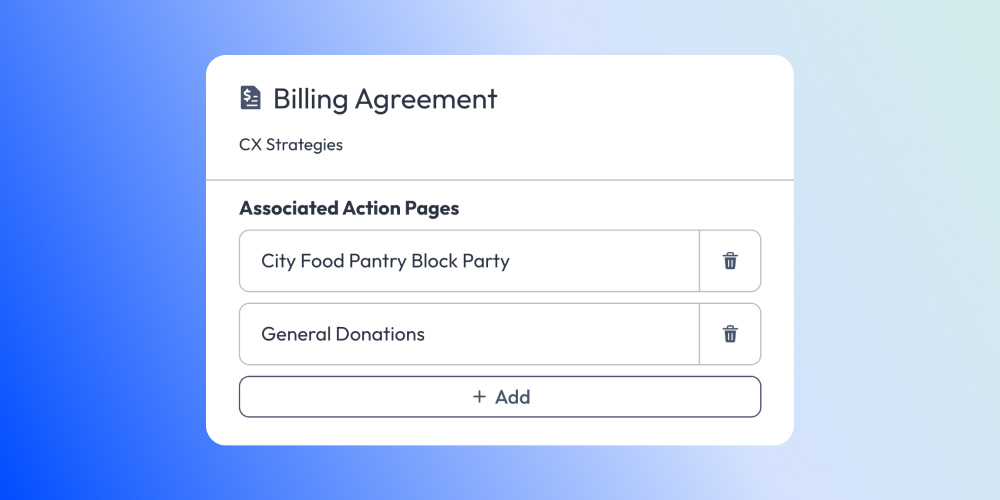
Vendors can now apply Billing Agreements to Event Pages.
Smarter giving and conversion tools
Custom communication consent disclaimer
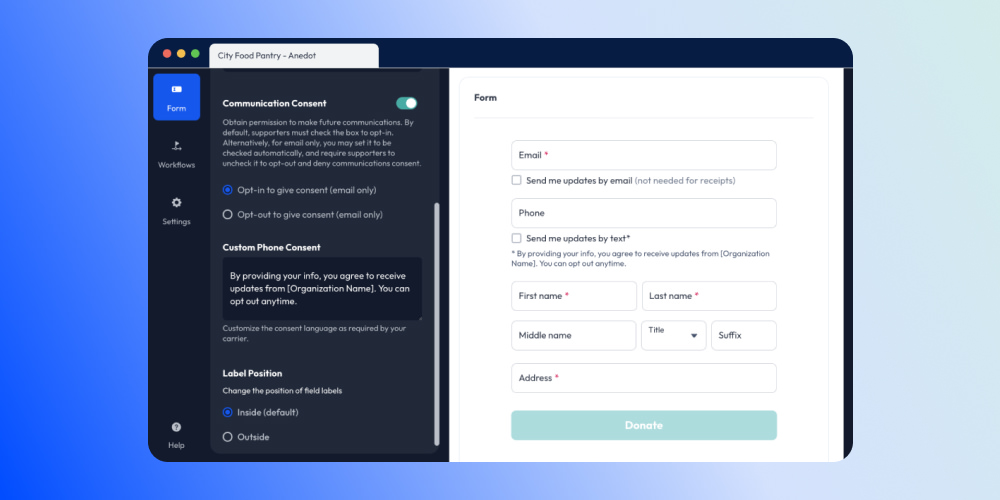
The Communication Consent toggle now allows customizable disclaimers. Tailor your messaging to better match your organization's needs and voice.
Smarter commitments for Future Pledges
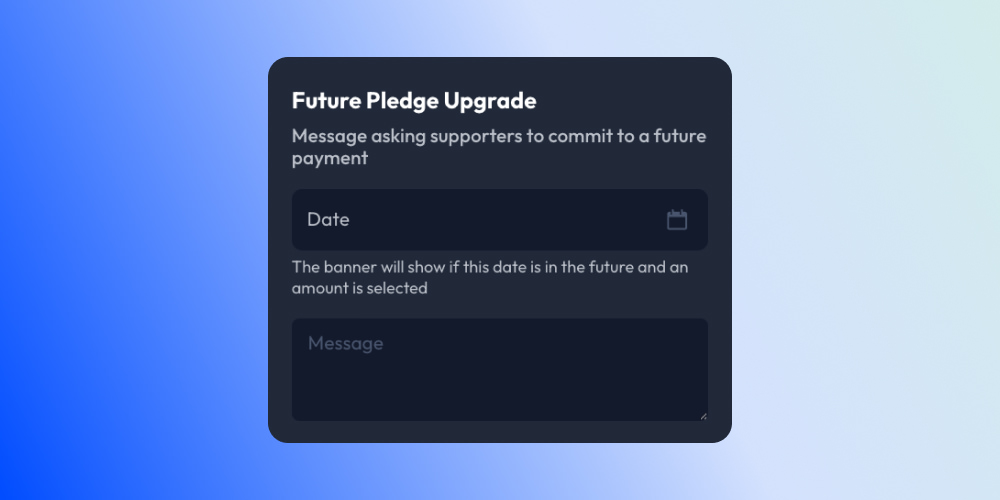
Future Pledges are now handled as one-time commitments with a predefined end date, allowing organizations to manage them directly in the Finance > Commitments tab.
Expanded upsell content limits
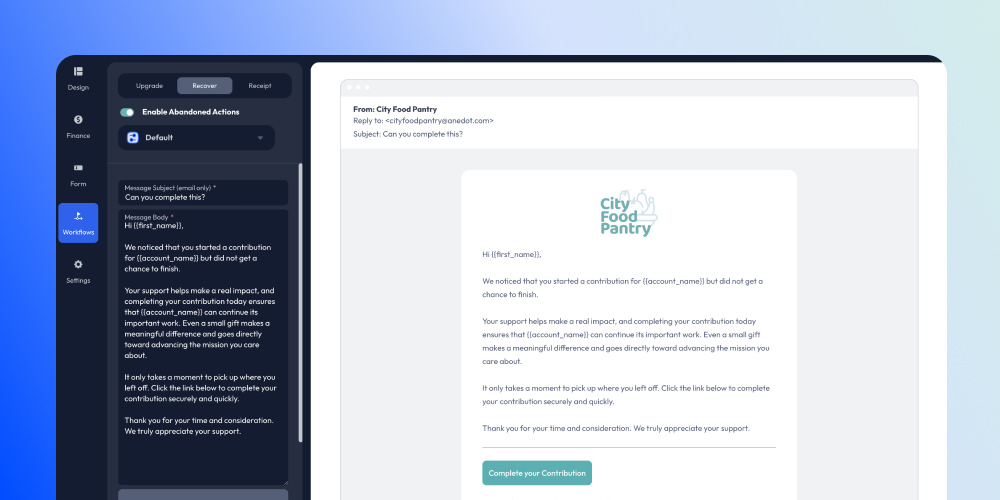
The Body section for Upsells now supports up to 2,000 characters, increased from the previous 1,100 limit, giving you more room to explain, persuade, and customize upsell messaging.
Donor customizable gift amounts on funds
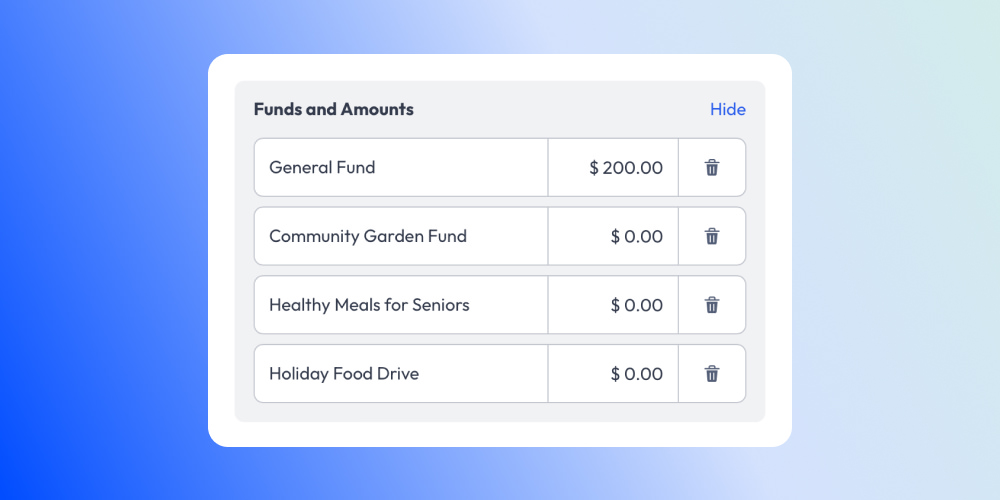
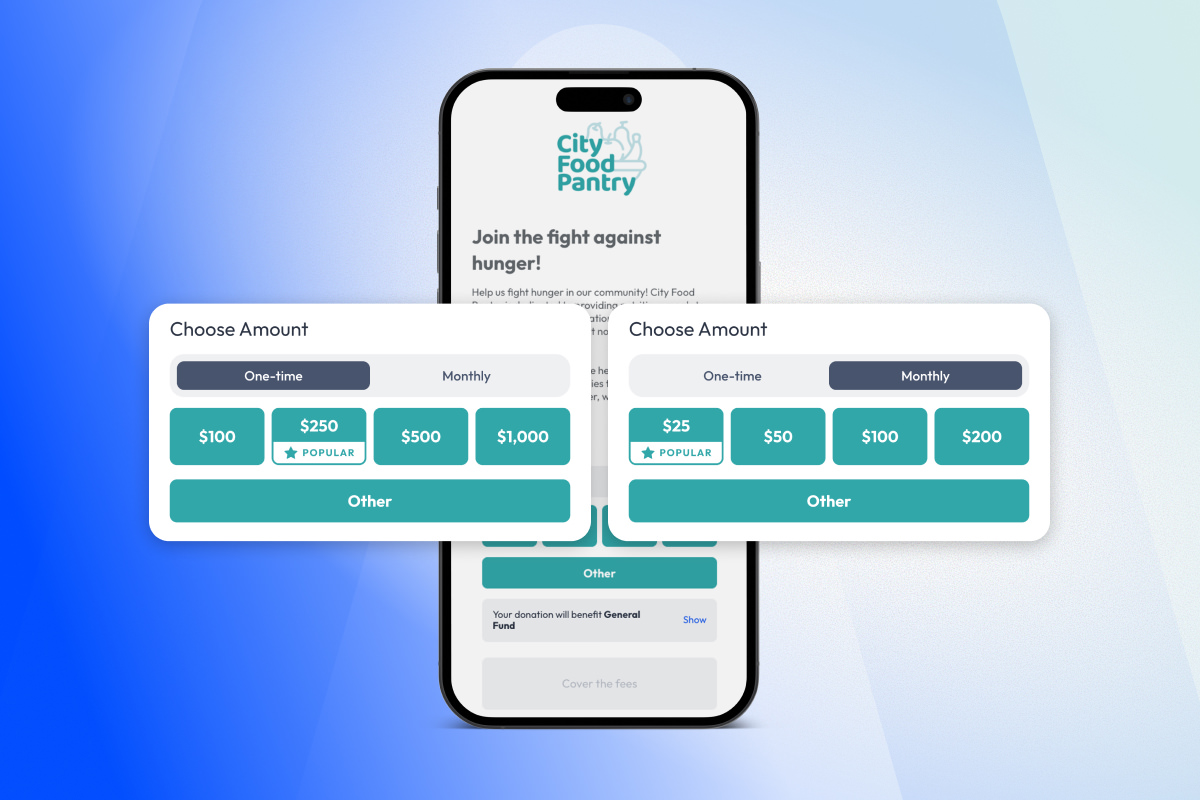
Users can now disable Preset Amounts and the 'Other' button to allow donors to manually enter donation amounts for individual funds.
Platform navigation and filtering upgrades
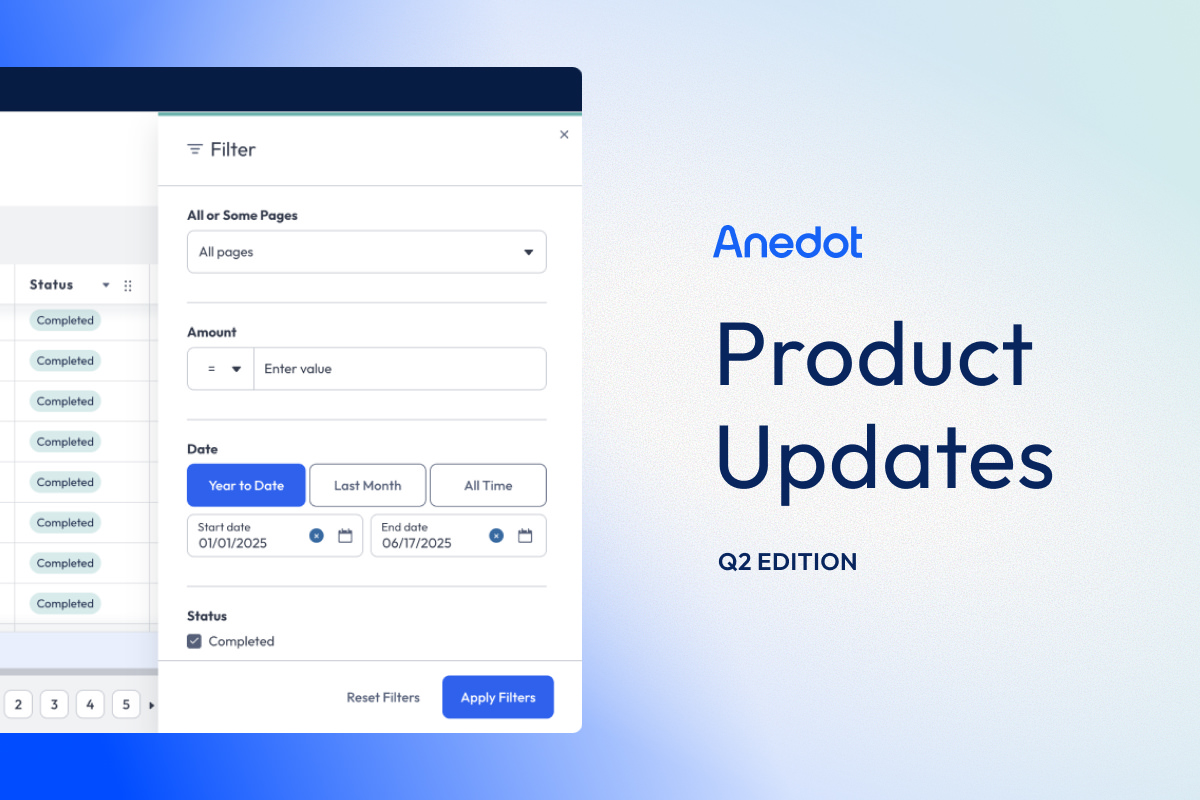
New YTD Filter in Finance
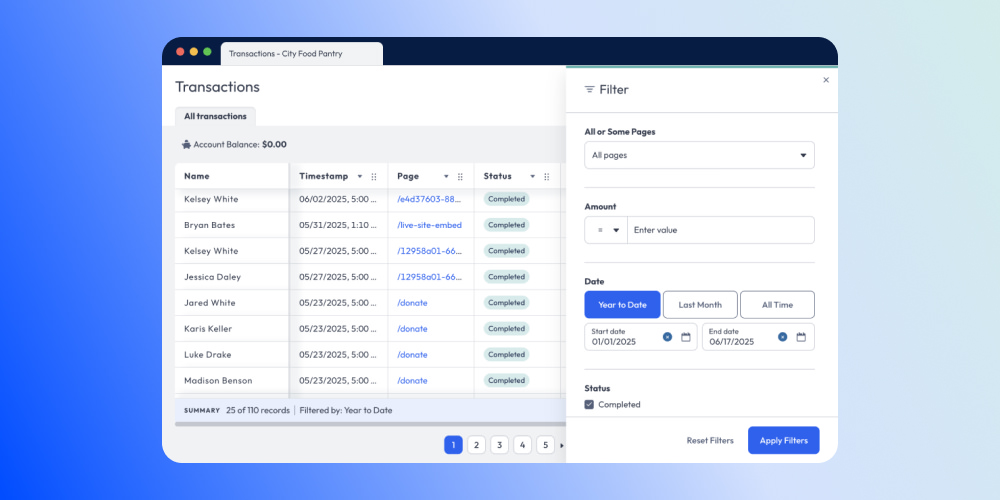
Transactions are now filtered by Year-to-Date (YTD) by default, significantly improving load speed and usability, especially for larger operations.
All-time filter indicator
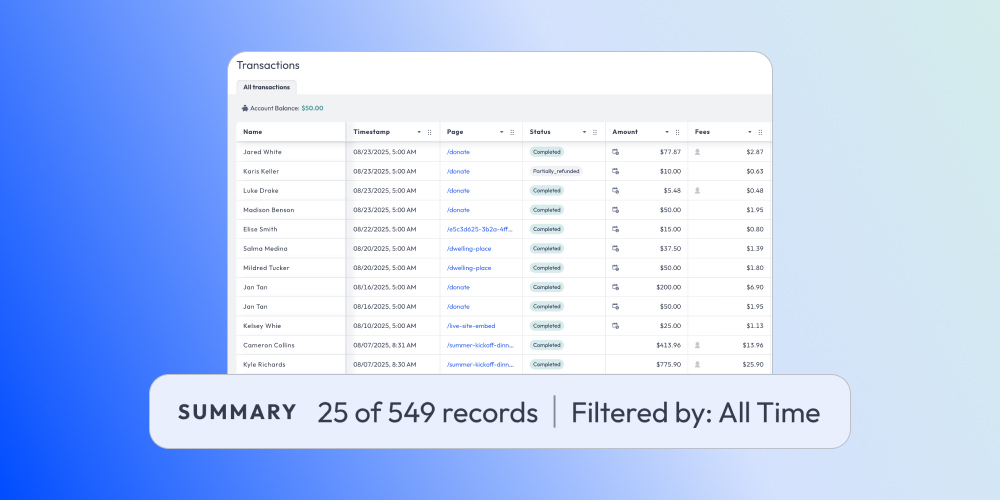
When viewing transactions without a date filter, a helpful indicator now shows: “Filtered by: All Time”—so you always know the context of your data.
Account filtering
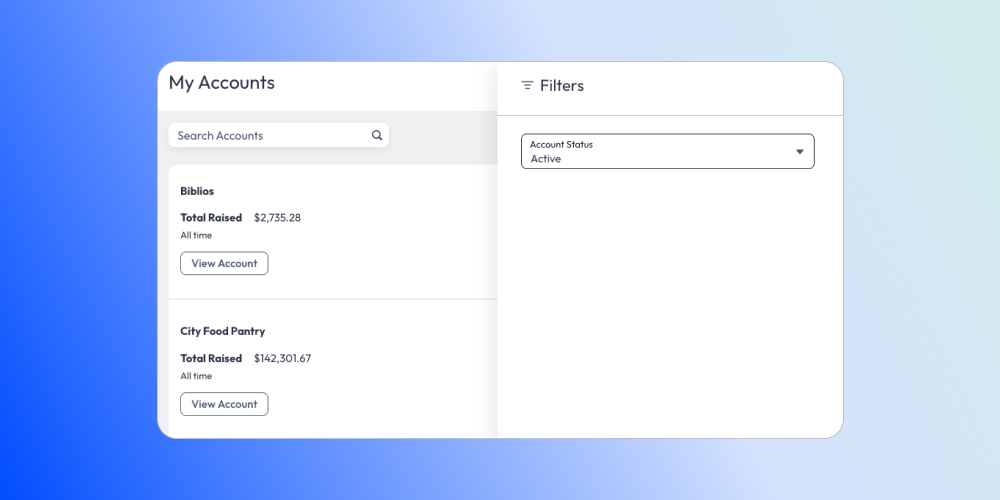
The My Accounts area now includes status filters and shows 10 accounts per page for easier navigation.
Vendor, integrations, and data handling
Vendor webhooks included in relays
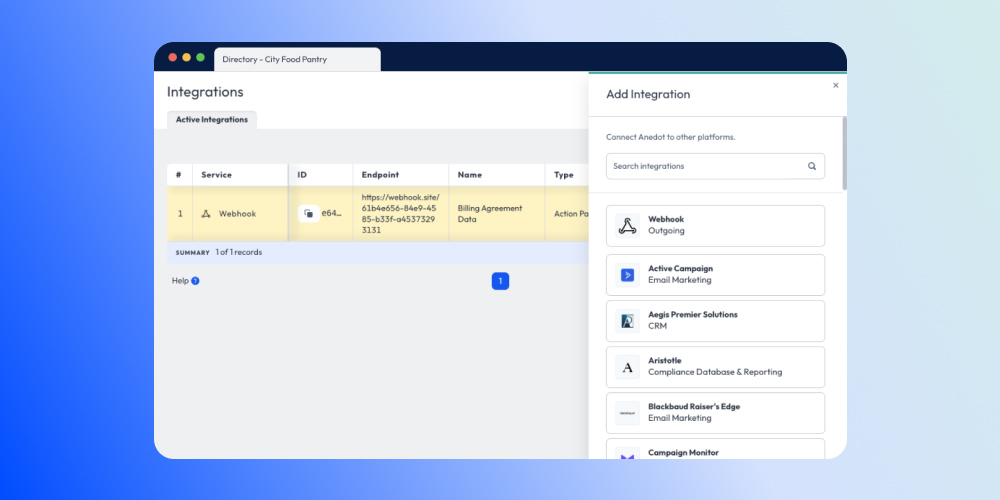
Vendors can now set up webhooks at the vendor account level, simplifying integration across multiple client organization accounts. No more repetitive setups!
Cleaner data handling in Virtual Terminal
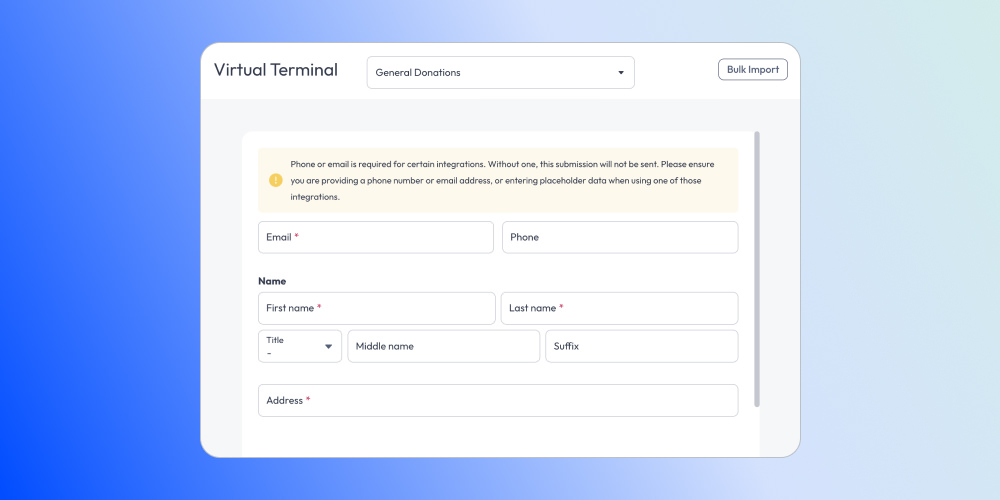
Blank Email or Phone fields now send a null value instead of a placeholder, which prevents failures in integrations that require non-empty fields.
Virtuous integration update
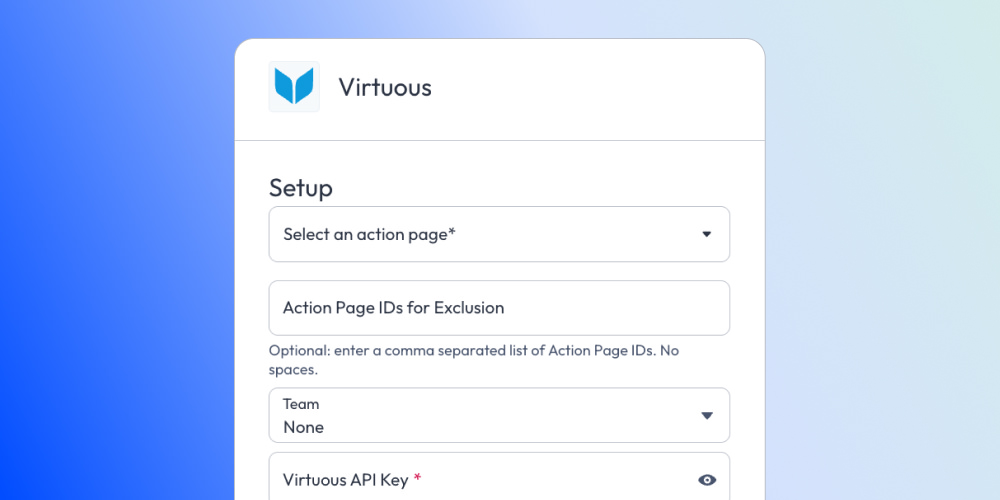
Virtuous integrations now support tax-deductible gift associations for "for-profit" customers.
Offline billing agreements support
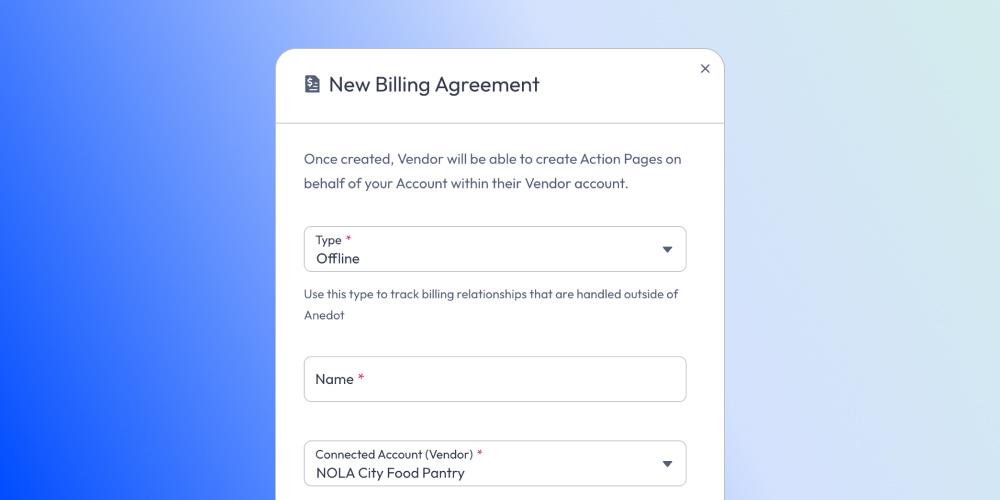
Users can now create Offline Billing Agreements, allowing clients to be billed outside of Anedot.
Account settings and communication controls
State restrictions management
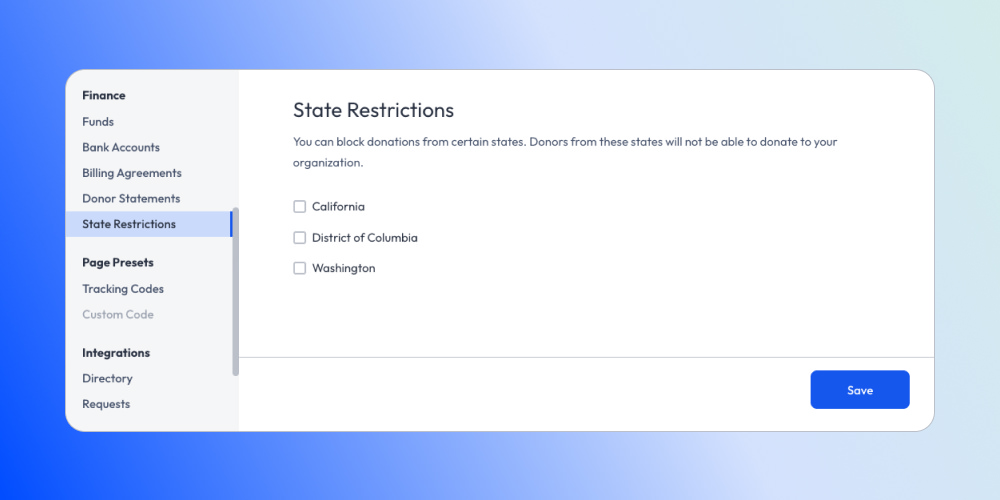
You can now manage donation restrictions for California, Washington, and Washington D.C. within your account settings.
SMS keyword editing update
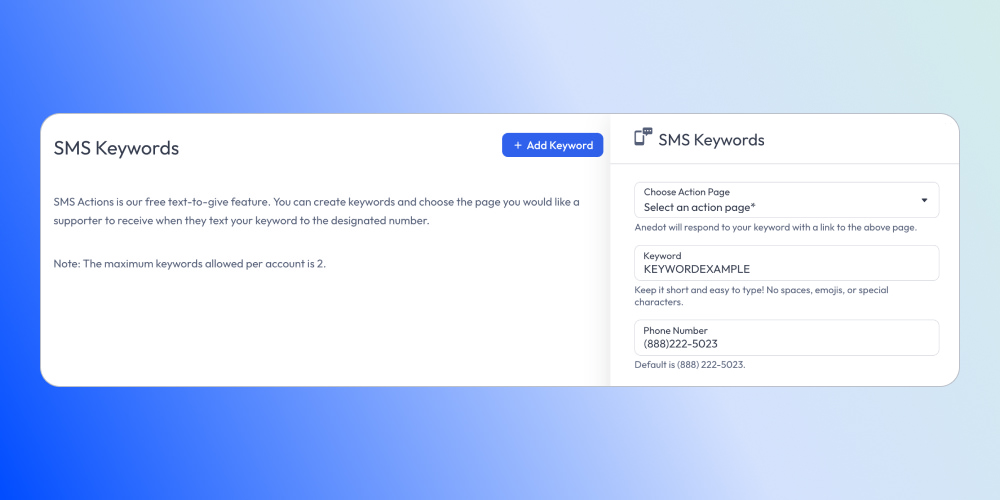
We’ve removed the ability to edit SMS Keywords. To make changes, customers will now need to delete an existing keyword and create a new one, ensuring consistency and preventing system errors.
Financial and reporting enhancements
Better donor details in print view
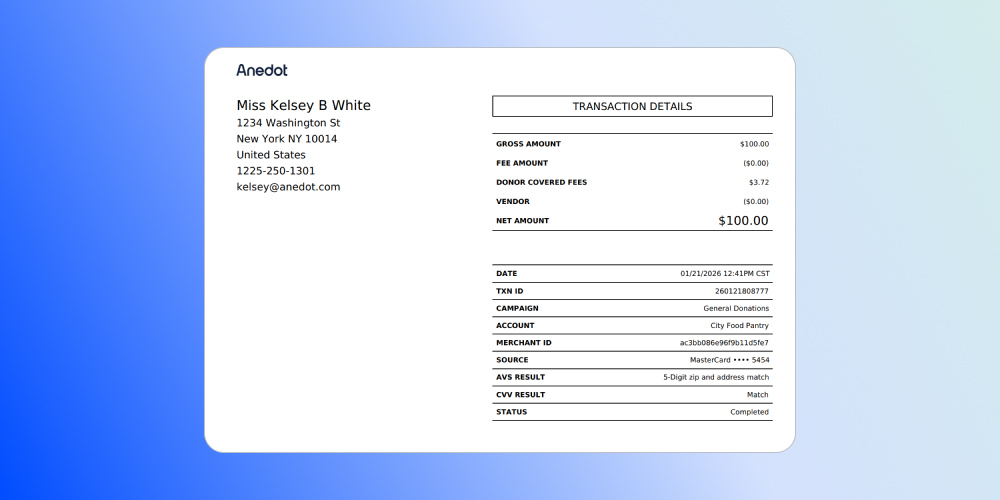
The Details PDF and Print View now display Suffix, Middle Name, and Title for more complete donor records.
Commitment export enhancements
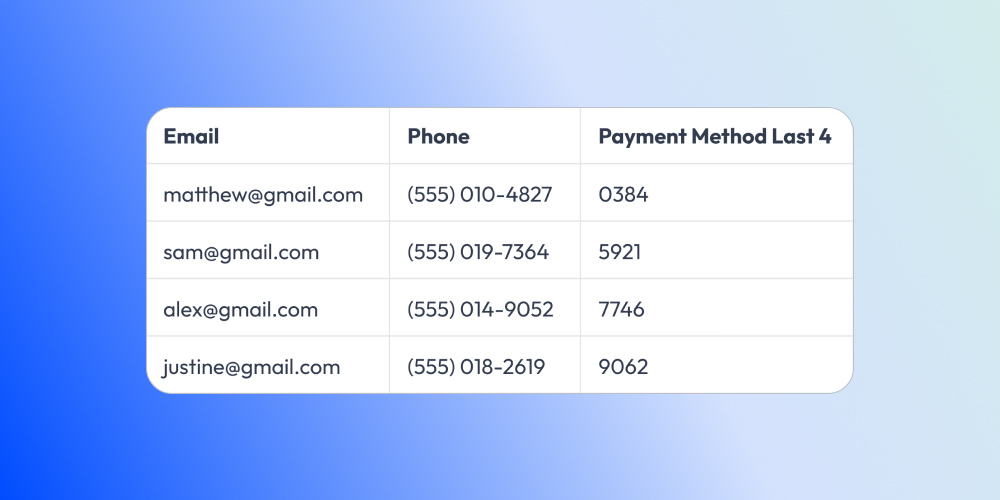
The last four digits of payment methods and expiration dates are now included for easier tracking.
Payouts improvements
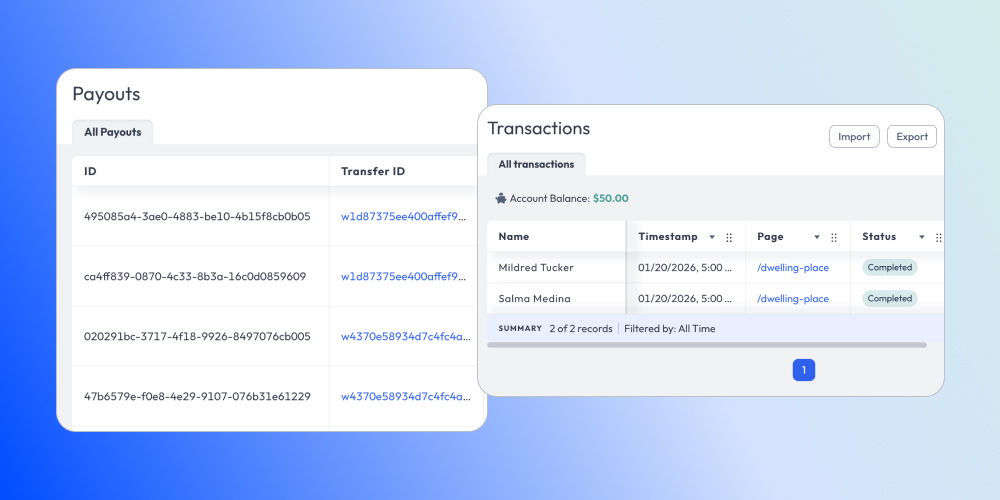
The Transfer ID column now links directly to a filtered Transactions tab, including conduit transactions for better visibility.
Staff and internal controls
Enable or disable Donor Covers Fee on commitments
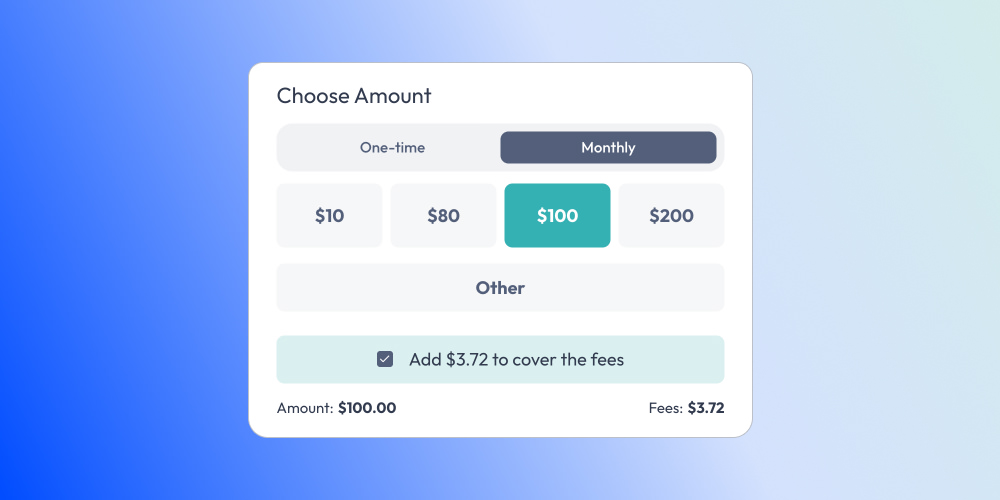
By request, Anedot staff can now manage Donor Covers Fee settings for commitments.
These updates are all part of our commitment to providing you with powerful giving tools that save you time and money.
📩 Need help or have questions? We are here to help – feel free to reach out anytime.
80 Community Service Ideas for Nonprofits